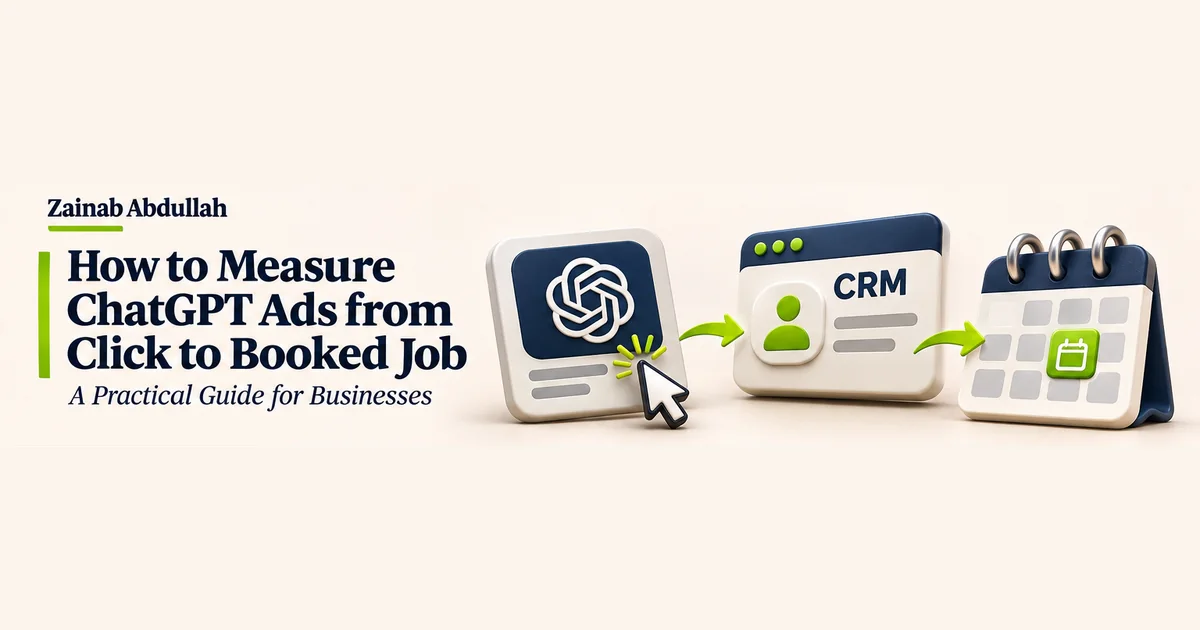
How to Measure ChatGPT Ads from Click to Booked Job: A Practical Guide for Businesses
Follow ChatGPT Ads traffic through CRM qualification, confirmed bookings and completed jobs to measure acquisition cost.
Your ads are getting clicks. Your site is generating enquiries. How many of those enquiries became paying customers?
ChatGPT Ads conversion tracking can help answer that question when advertising data is connected to qualified leads, confirmed bookings and completed jobs. A lead outside your service area and a customer who books an installation both count as enquiries. They have different value to the business.
Why clicks and leads can be misleading
Suppose a fictional HVAC business spends US$1,800 and records 1,200 ad clicks, 85 enquiries, 24 qualified leads and nine confirmed bookings. It paid about US$21.18 per enquiry, US$75 per qualified lead and US$200 per booked job. Those are illustrative figures. Whether the campaign makes money depends on revenue, job costs and cancellations.
1. Tag campaign traffic with UTMs
Use consistent campaign tags so analytics and your CRM can identify paid ChatGPT traffic. An example landing page URL:
https://example.com/hvac?utm_source=chatgpt&utm_medium=paid&utm_campaign=hvac_installation
Use stable, descriptive campaign names and keep personal details out of URLs. Where OpenAI appends the ad click reference oppref, preserve it through eligible redirects and the conversion journey as described in OpenAI’s conversion measurement documentation. UTMs identify campaign traffic. They do not establish how many additional jobs the campaign generated.
2. Configure supported conversion measurement
OpenAI documents the OpenAI Pixel for browser-based events and the Conversions API for eligible server-side events. Check which events your account supports, test event receipt and use the same event ID when both methods report the same event so OpenAI can deduplicate it. Confirm the relevant platform requirements and consent obligations before sending any data. Keep booking and customer details in your own system unless the data is permitted for the specific integration and use.
3. Connect ad enquiries to your CRM
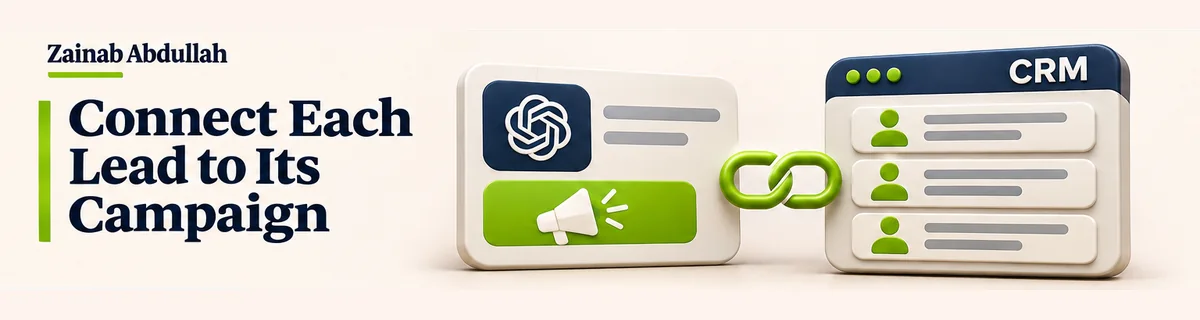
When a visitor submits an enquiry, retain the permitted campaign fields alongside the lead. Record the source, campaign, lead creation date, service requested, qualification status, booking date, job status and revenue. An electrician who receives 30 quote requests but can serve only 12 of them can use these fields to distinguish traffic from viable opportunities.
4. Define qualified leads and confirmed bookings
Set consistent qualification criteria before analysing a campaign. A qualified lead could be a reachable customer within your service area who needs a service you provide and has a realistic project. Record whether the team confirms an appointment. Keep booked, cancelled, missed and completed jobs distinct in the CRM. A confirmed booking is a milestone, and the completed job supplies the revenue data.
5. Calculate cost per booked job
| Metric | Calculation |
|---|---|
| Cost per qualified lead | Ad spend ÷ qualified leads |
| Booking conversion rate | Confirmed bookings ÷ leads × 100 |
| Cost per booked job | Ad spend ÷ confirmed bookings |
| Return on ad spend | Attributed revenue ÷ ad spend |
In the fictional HVAC campaign, US$1,800 divided by nine confirmed bookings equals US$200 per booked job. Include gross margin, delivery costs and the effect of cancellations when using these figures to assess profitability.
6. Compare cohorts after the same follow-up window
Some leads book the same day. Others take weeks. Group leads by the period in which they first enquired and give each cohort a consistent time to mature. For example, compare bookings made within 30 days of lead creation, using only cohorts that have had the full 30 days. Use a window that reflects how long your customers typically take to decide.
7. Build a dashboard that follows the customer journey
Bring together campaign spend and clicks, landing page enquiries, CRM qualification, confirmed bookings, completed jobs and attributed revenue. Show cost per booked job next to lead and booking counts so a small sample is visible. An attributed job is one a reporting method gives the campaign credit for. A controlled experiment can help estimate whether the ads produced additional jobs.
My ChatGPT Ads setup guide covers budgeting and conversion goals. The HVAC buyer intent guide explains what buyers need before they request a quote. For a practical home services example, see the Angi case study.
How custom automation can improve attribution
An integration can capture campaign tags, create a CRM record, connect booking updates to the original lead and generate weekly reports. The workflow should reflect how each business qualifies leads and records work.
- HVAC company: Connect installation enquiries to confirmed appointments and compare acquisition cost by campaign.
- Plumbing company: Follow emergency call-outs through qualification, booking and completed work.
- Agency: Combine campaign reports and client CRM outcomes to report qualified opportunities and bookings.
These examples illustrate possible implementations. They do not describe completed client projects.
Follow the lead through to the job
A campaign can look profitable when measured at the enquiry stage and tell a different story once bookings and margins are counted. Link marketing, CRM and job outcomes before deciding what to scale.
Want better visibility into your advertising ROI? Explore custom analytics, CRM integrations and business automation with Devisgon.